The uis.edu website has been integrated with Siteimprove's module, to assist our editors with identifying page issues, prior to submitting them for publishing.
What Editors Can do
Editors can review issues on any live page by clicking the purple Siteimprove icon. On any page (draft or published) you edit, you’ll see a Siteimprove overlay/sidebar — part of the website editor interface — giving you real-time feedback on the page’s content. Siteimprove checks for many different issues:
- Accessibility issues (e.g. missing alt text, contrast, heading structure)
- Content quality: spelling errors, broken links (internal or external), readability, structural issues.
- SEO & technical-content optimization suggestions: metadata, link structure, mobile & UX checks.
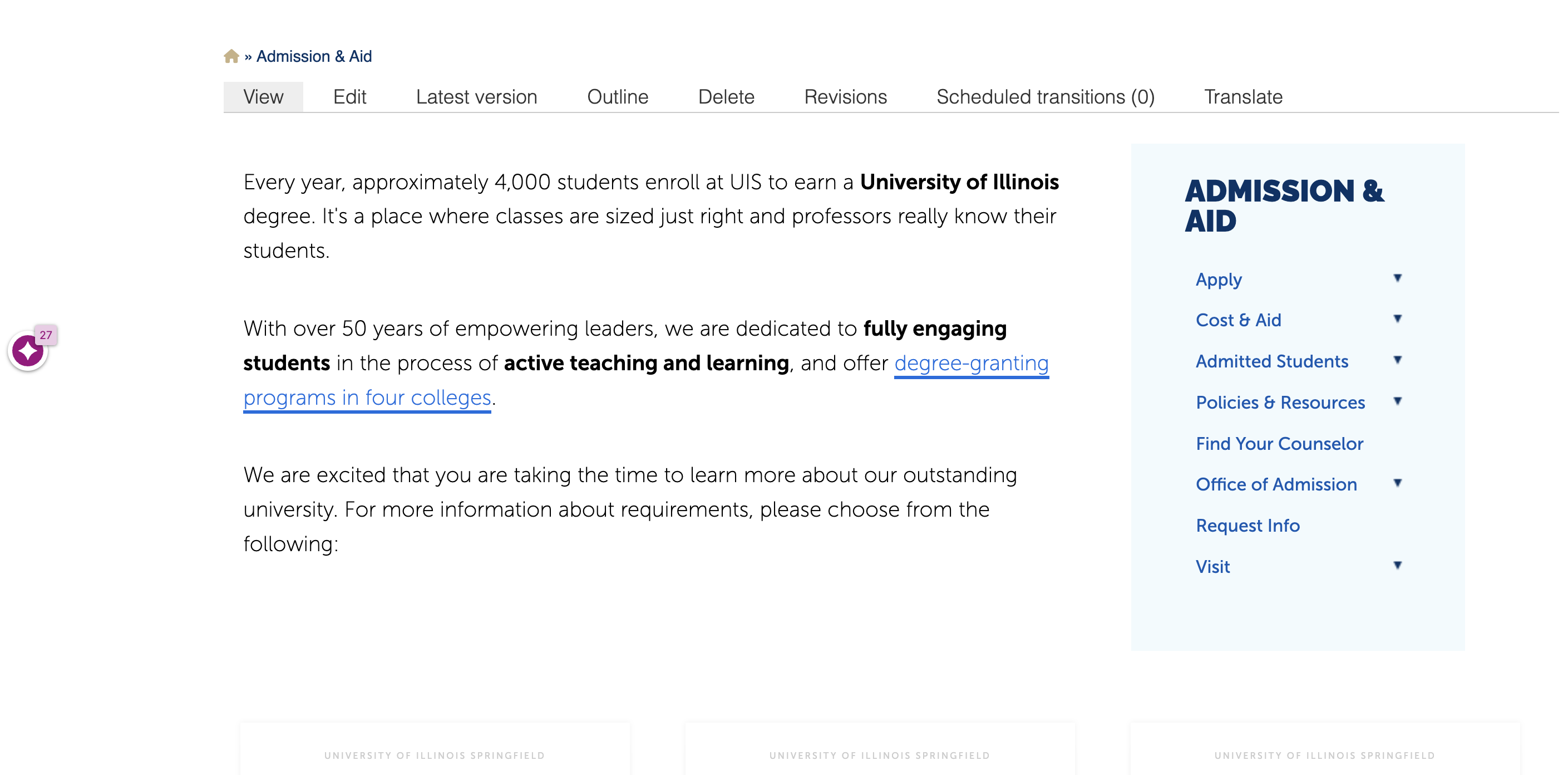
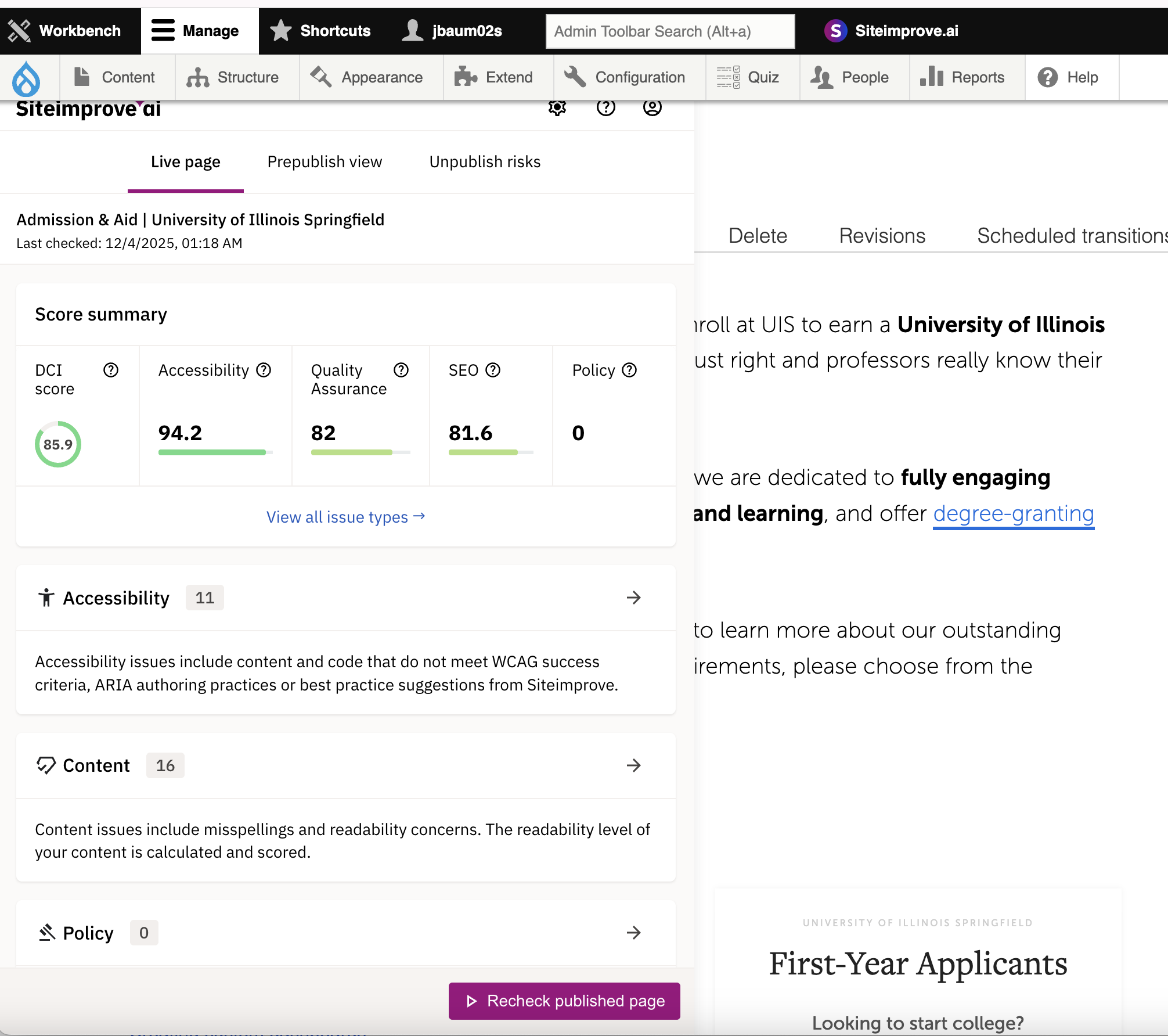
Click the icon to see the issues that need to be addressed. A pop-up provides details of the issues, including accessibility, quality assurance, SEO and any content related policies.
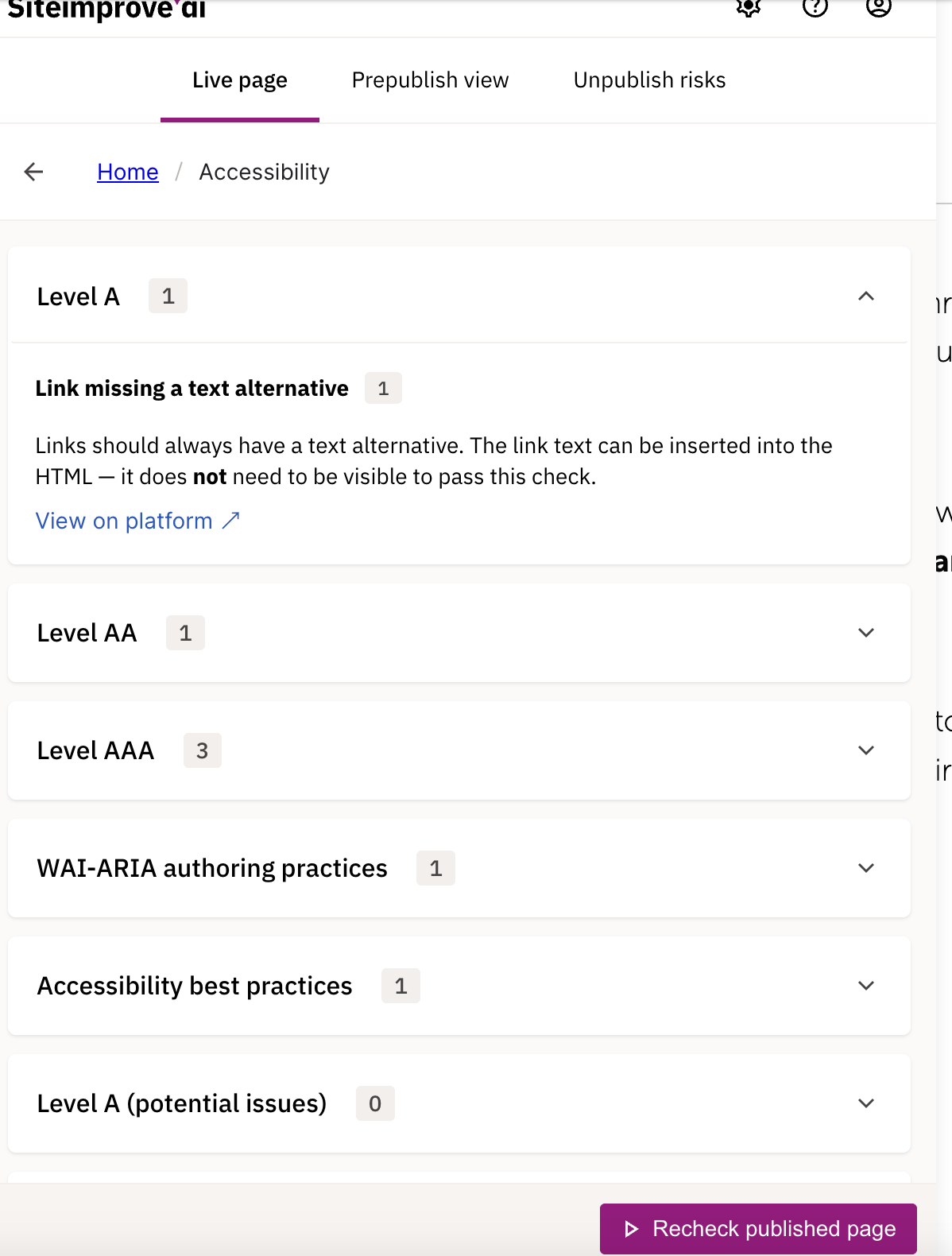
If you click on any of the issue groups, it provides details of the issue and a link to view the issue on the Siteimprove platform.
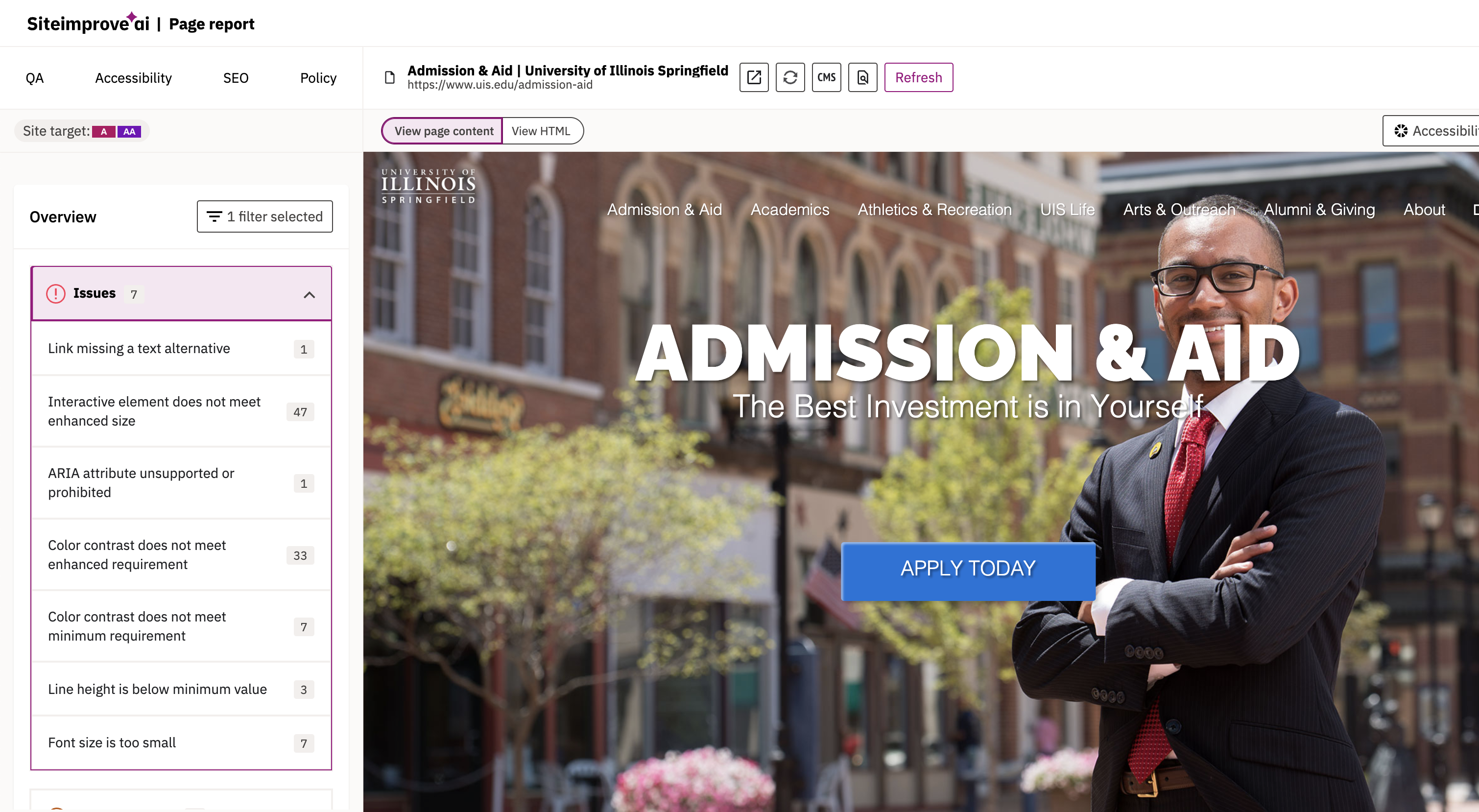
If you click the View on platform link, a new window will open and show the same list of issues. If you click on the issue it will highlight the content on the page with the issue. It also provides the option to view the error within the code.
Use the “Re-check page” function whenever you’ve made changes — this lets Siteimprove re-evaluate the page and confirm fixes.