

Getting the right message to the right audience at the right time is essential to effective campus communication. To help make that process easier, UIS Marketing & Brand Strategy has launched a Campus Communications Form that serves as a single starting point for campus-wide communication requests. This developed form replaces the former Campus Announcements submission process and helps ensure messages are delivered through the most effective communication channels.
Whether you're promoting an event, sharing an important student deadline, requesting a news story or making an announcement for other employees, the Campus Communication Form guides you through a series of questions and routes your request to the appropriate communication strategy.
How It Works
Rather than deciding which communication channel to use yourself, simply complete the form and answer a few questions about your message. Based on your responses, the form will recommend the appropriate communication channel and provide guidance on the next steps.
For some communication channels, such as news stories or campus events, you'll be directed to complete the appropriate submission form or create the content within the designated system. If you do not have permissions to add content to the website for news and events, please contact your web liaison for assistance. The Campus Communications Form does not directly publish content on your behalf. Instead, it helps you identify the correct process and location for sharing your message.
Depending on your communication goals, you may be directed to channels such as:
- UIS Connection
- myUIconnect
- Canvas
- Orbit
- UIS.edu website
- UIS Mobile
- Other recommended communication channels that best fit your message
This approach helps reduce duplicate messaging, improves the student and employee experience, and ensures communications are coordinated across campus.
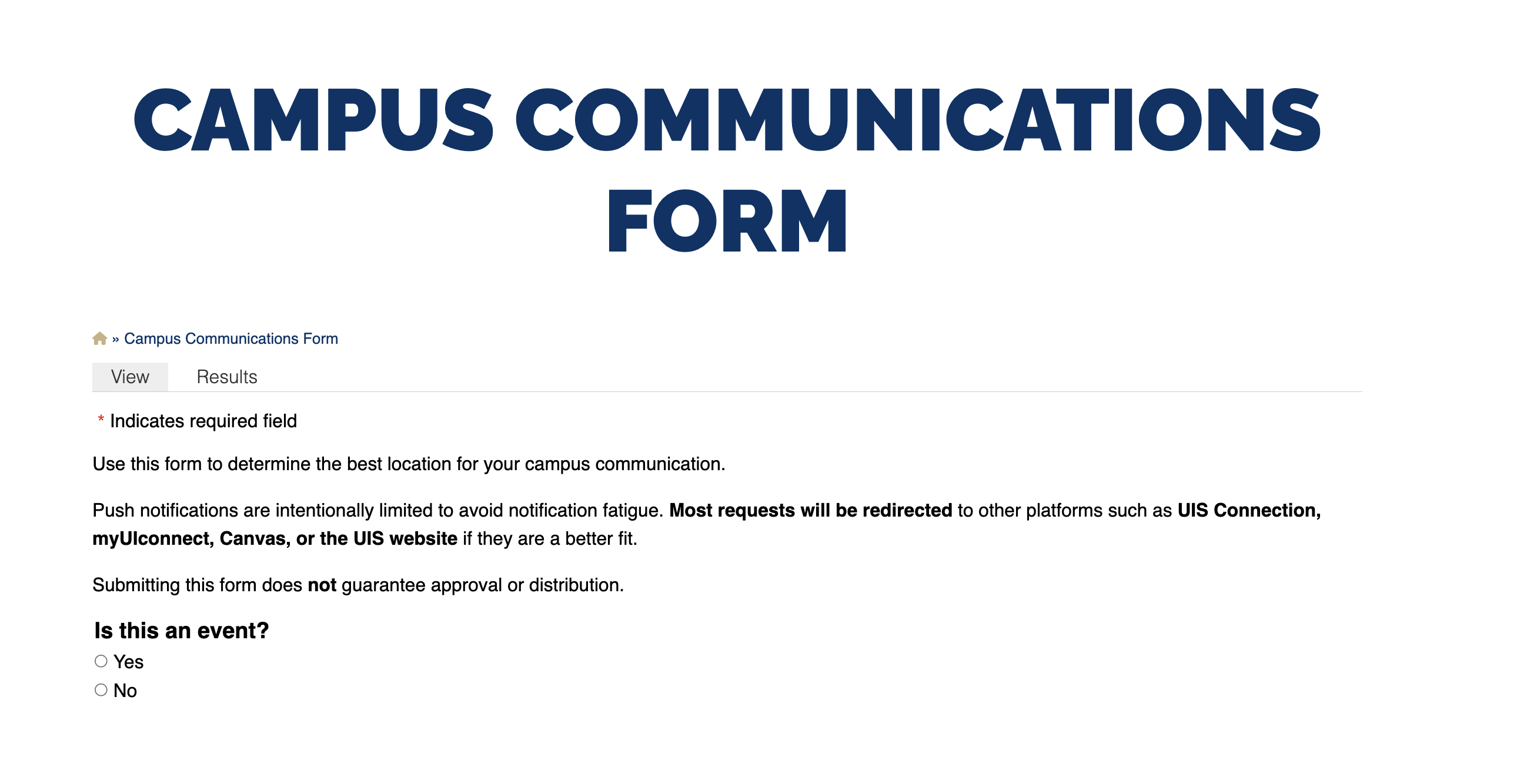
Before Submitting
To help streamline your submitted requests for publishing, be prepared to provide:
- Your target audience
- The purpose of your communication
- Key dates or deadlines
- Your preferred timeframe
- Any supporting links or materials
Campus Announcements for Students
When submitting a campus announcement for students, you have the options to enter the Title, Announcement Message, Image (include alt text for accessibility), Start and End date (if needs to be posted for more than one day), and your Name and Email.
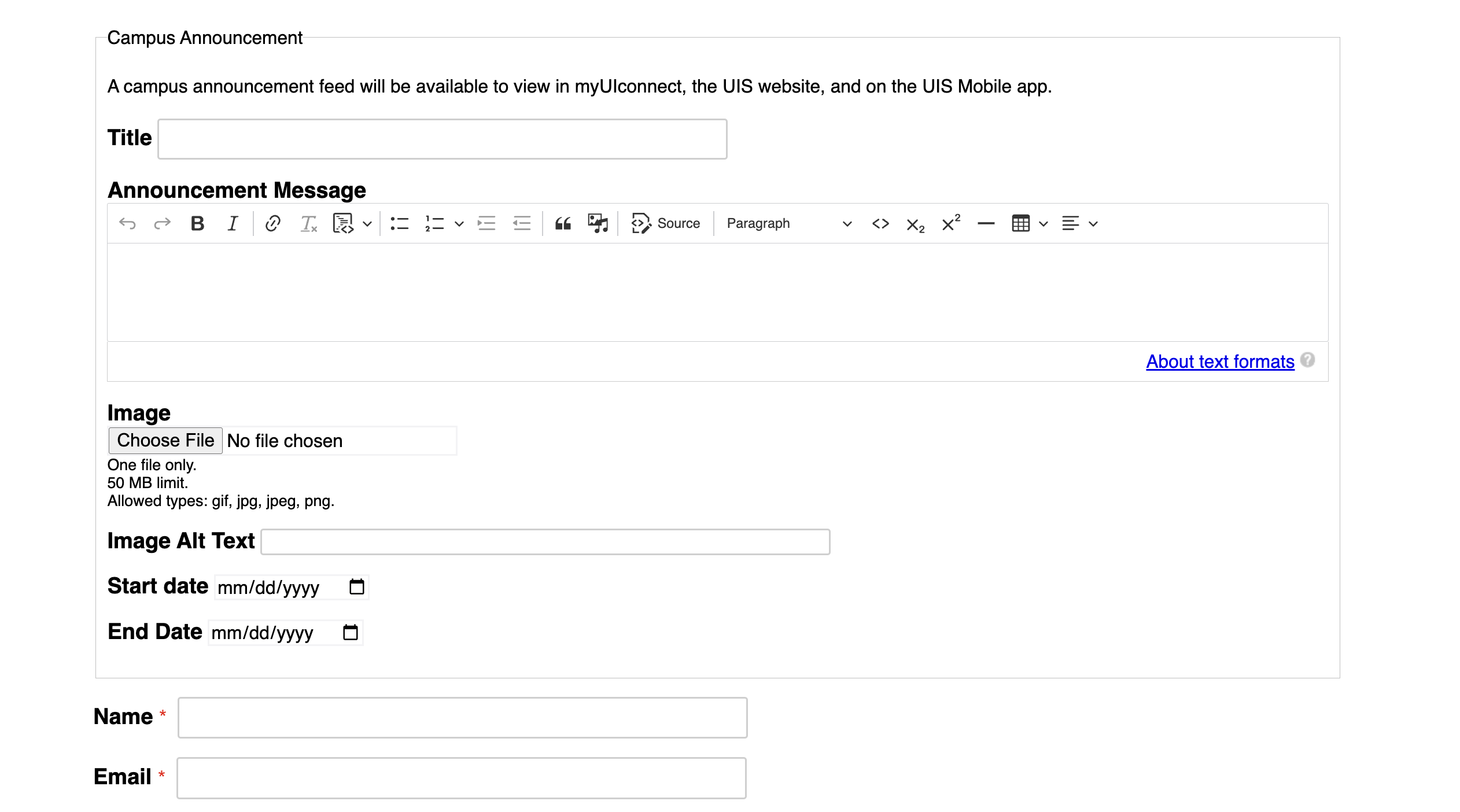
Once submitted, your request will go into a queue that is reviewed by the Marketing & Brand Strategy department. If approved, your announcement will be published to myUIconnect, the UIS mobile app, and the uis.edu website. If rejected, you will receive an email with information on the rejection and how to resubmit.
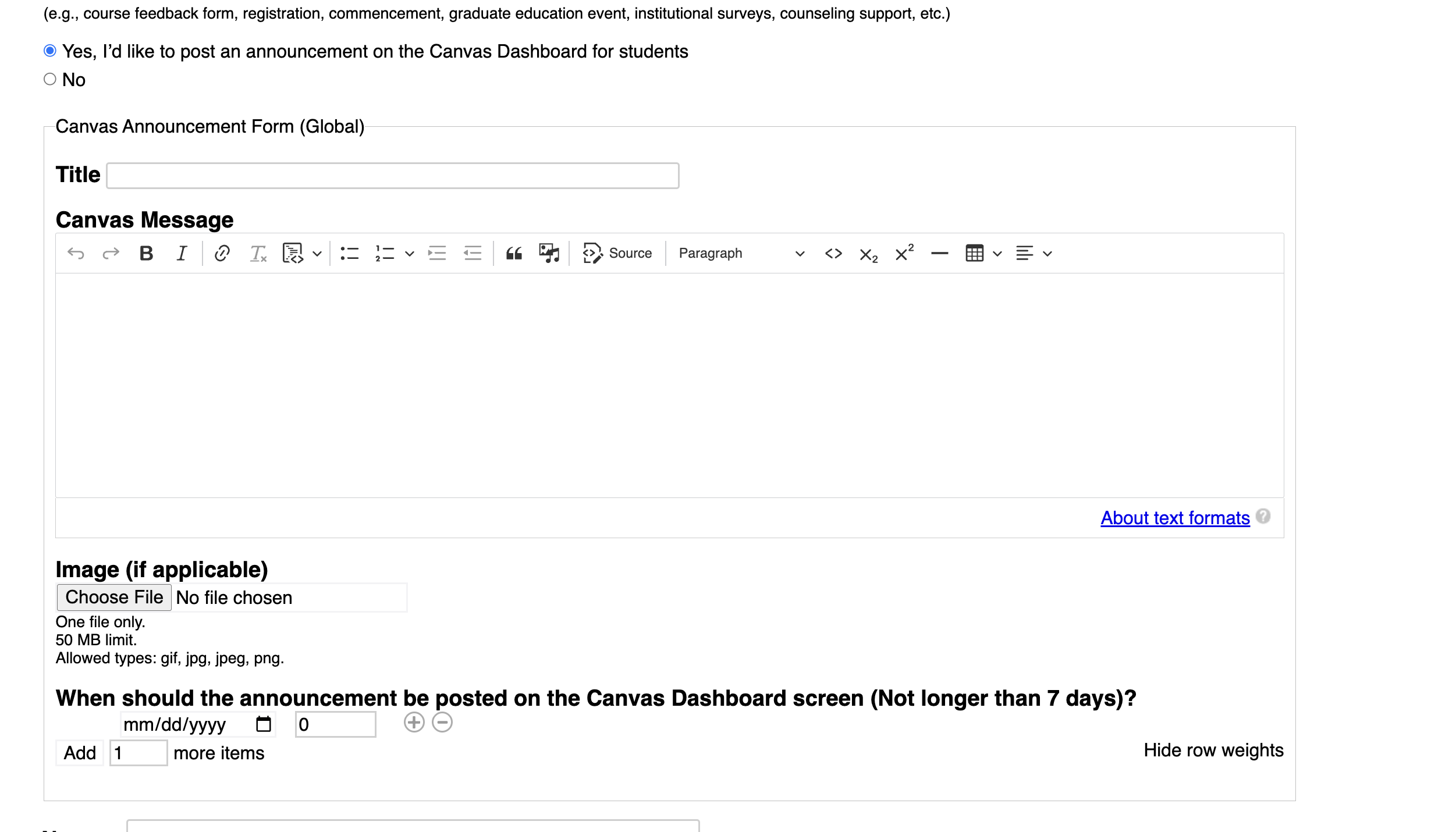
Canvas Announcements
If you communication is academic in nature and appropriate for a global audience, you can submit a request for that info to be posted in Canvas.
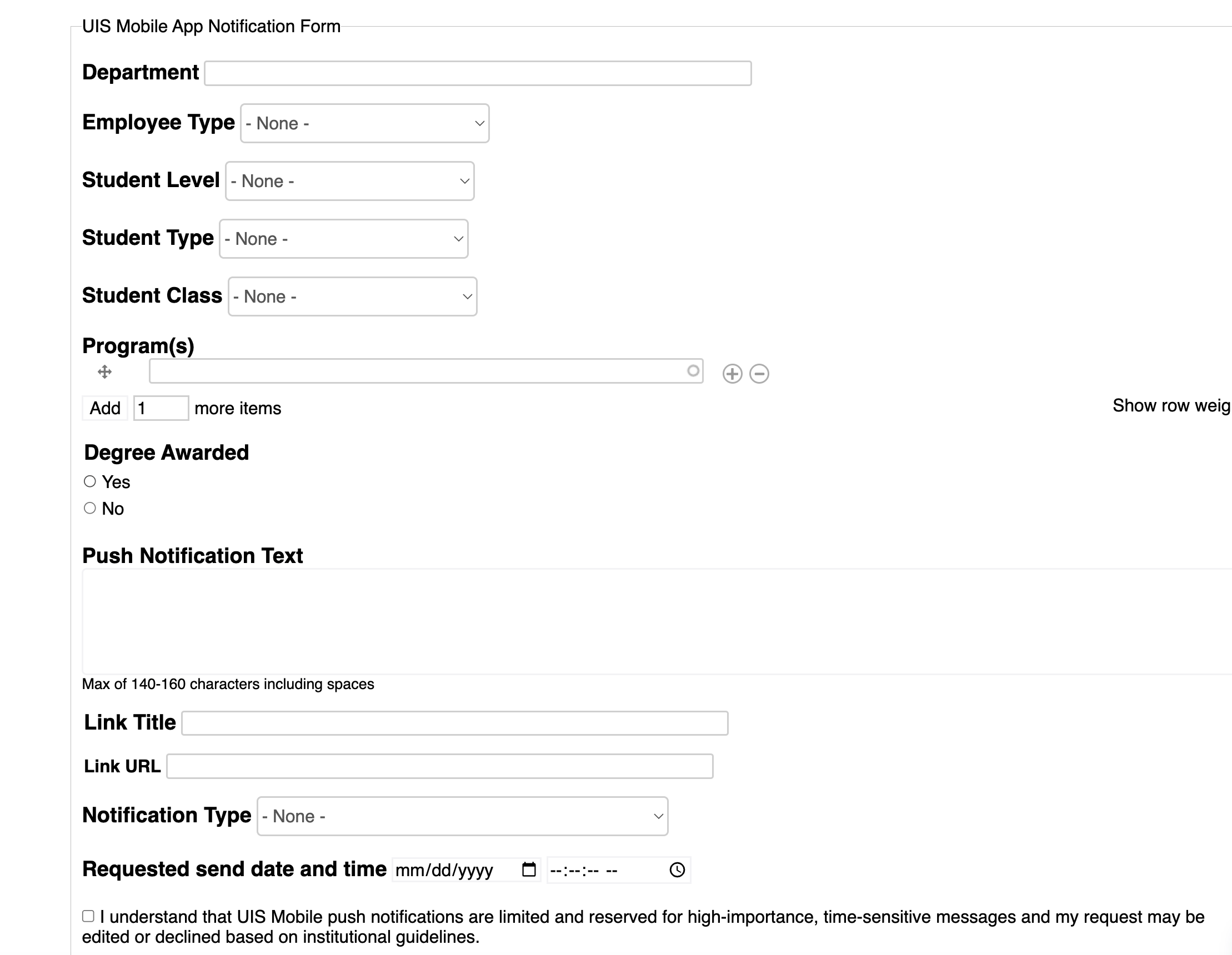
UIS Mobile App Notifications
Request to send a push notification to the UIS Mobile app can be made and targeted to specific student or employee groups, to target the correct audience for your message.
UIS Mobile push notifications are appropriate for:
- Time‑sensitive academic impacts (e.g., university-wide class cancellations, critical deadlines, etc.)
- Major university service disruptions
- Urgent billing or financial aid deadlines
- Institution‑wide notices that require immediate awareness
UIS Mobile push notifications are NOT appropriate for:
- Event promotion
- Multi‑day or recurring announcements
- Unit news or newsletters or general updates
- Information better suited for Canvas, UIS Connection, or the website
If you are unsure, submit your request and the Marketing team will route it appropriately.
Rejections
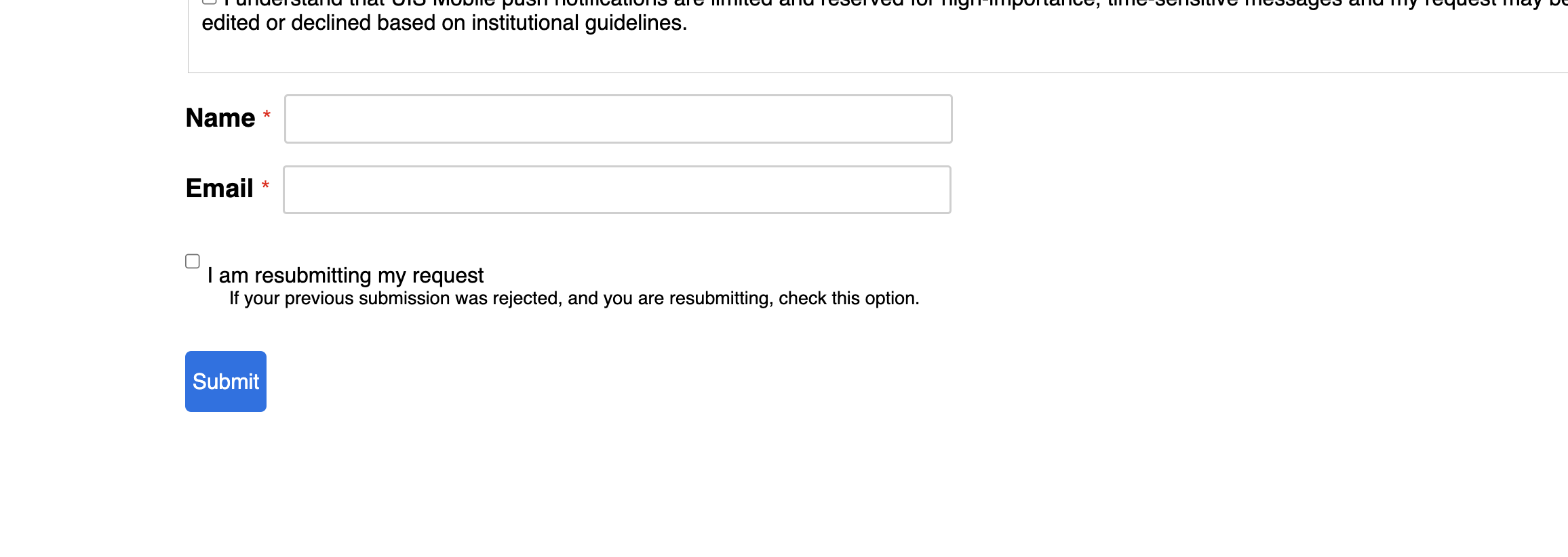
If your submission for Campus Announcement or UIS Mobile App Notification is rejected, you will receive an email with information on how to resolve and a link to update your submission. When resubmitting your request, it is important to check the 'I am resubmitting my request' checkbox. If you do not, the marketing team will not see your resubmission.
Ready to submit a request?
Visit the Campus Communications Form to get started.
If you have questions about the form or need assistance determining the best approach for your message, contact UIS Marketing & Brand Strategy at marketing@uis.edu.