This feature allows users to create a single, full-length newsletter article that functions as a comprehensive piece of content. Users can subscribe to specific departments or categories and receive these newsletters as they are published and/or they can view them on Orbit.
- Ideal For:
- Deep dives or thought leadership pieces.
- Department or category-specific updates.
- Content that stands alone and doesn’t need to be bundled.
How it Works
Write a full newsletter as one cohesive article.
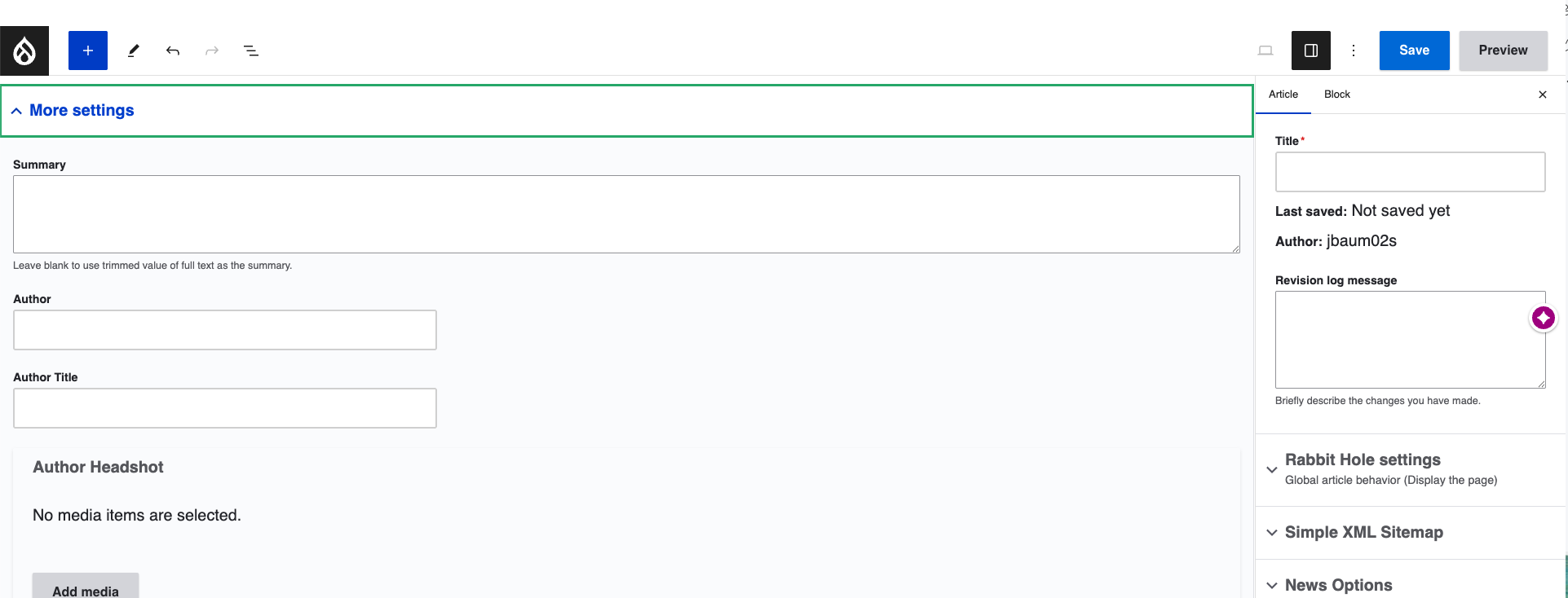
Under More Settings, add a summary of the newsletter to be shown when viewing in the newsletter feed on Orbit.
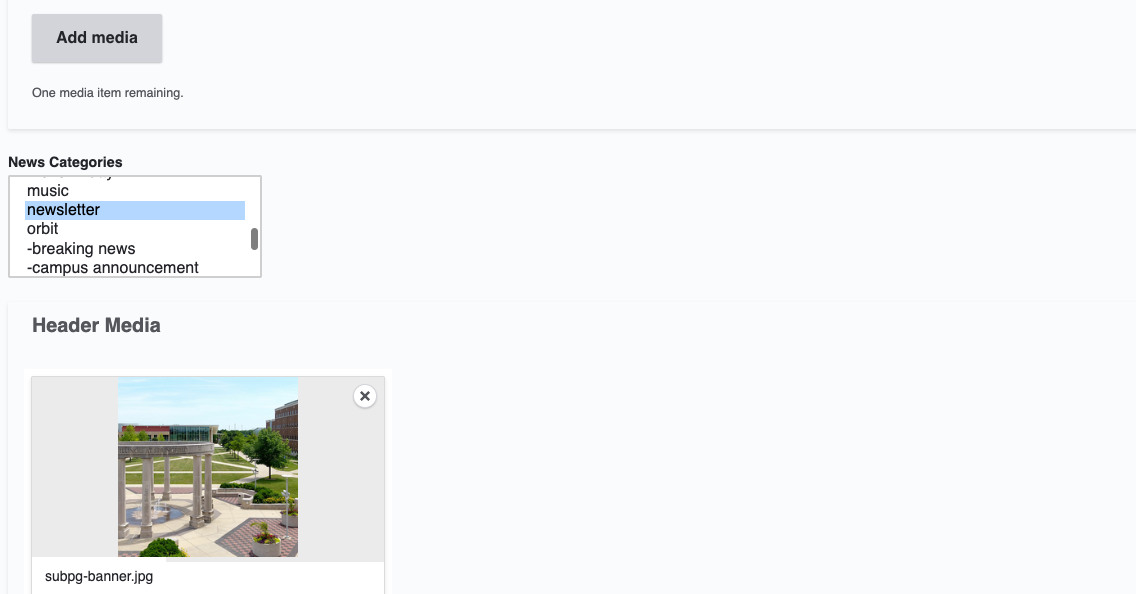
Add the news category of 'newsletter'.
Add your Department so it shows up in your units news feed.
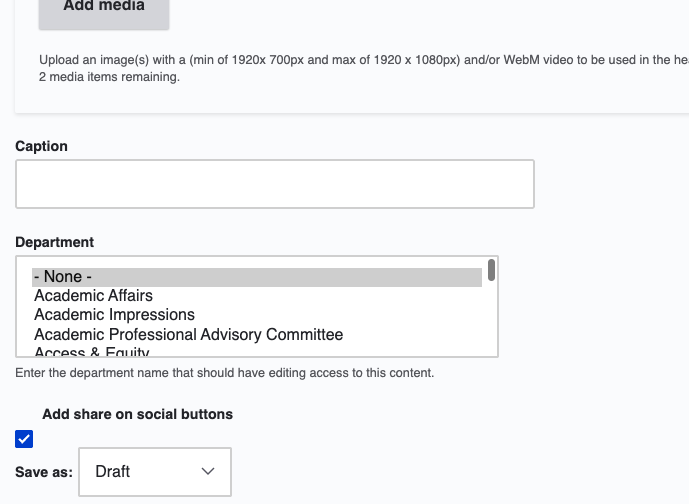
You can save your newsletter as a draft to review. Once you are ready to publish, Save as Needs Review.
Subscribing to Unit Newsletters
Users can subscribe to your newsletter and any other department news, by going to the Subscribe to Department page under Orbit. Subscribers to that department automatically receive the newsletter upon publication.
Example: The Human Resources department publishes a monthly newsletter summarizing important news, new policies, and upcoming events.
Need a Newsletter Landing Page?
To get a newsletter landing page added to your units website, submit a website project request to do so.