Frequently asked questions can be added to the site using the FAQ content type. Additionally there are options to import FAQs using the FAQ template. If you want the web team to import the FAQs fill out the template and submit a website project request to import.
FAQs and Search
Adding FAQs to the site helps improve visibility in AI-powered search results because structured question-and-answer content makes it easier for search engines and AI models to understand, extract, and surface clear answers directly to users.
FAQs enhance both Search Engine Optimization (SEO) and Generative Engine Optimization (GEO) by aligning content with natural language queries and enabling structured, machine-readable answers that improve search indexing, featured snippet eligibility, and AI answer generation. FAQs are also used as training data for the website AI chat.
View the list of current FAQs.
FAQ Content Type
How to add a new FAQ:
- Click on "Manage" in the black toolbar at the top of the page
- Hover over "Content" in the white toolbar below the black toolbar
- Click on "Add Content" when you see it
- Select the FAQ content type
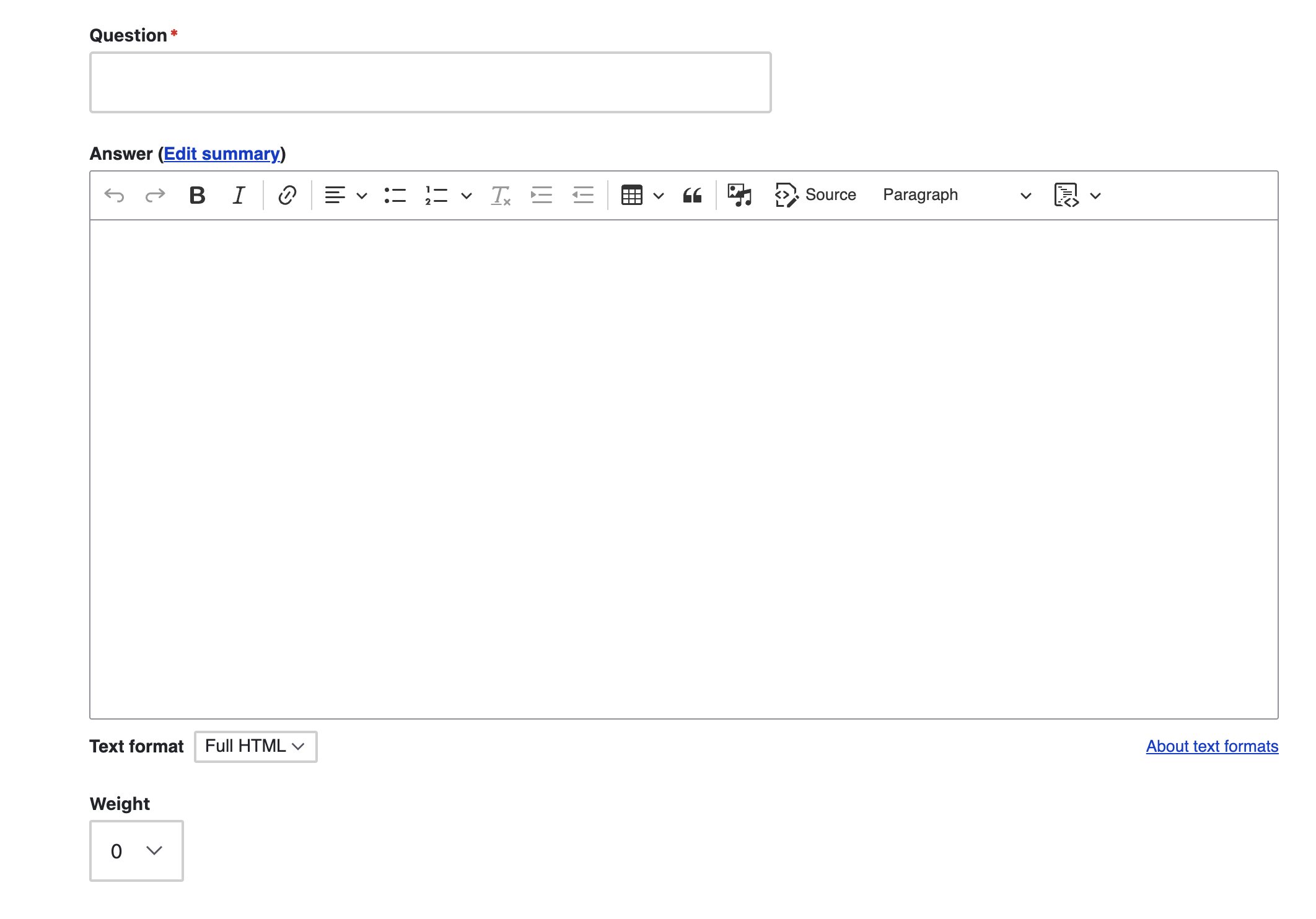
Enter the Question and the Answer in the fields provided. You can assign a weight if you want some FAQs to show before others. For ex. FAQ tagged with weight 2 will show up after FAQ with weight of 1.
Lists of FAQs can be curated by department and/or FAQ type.
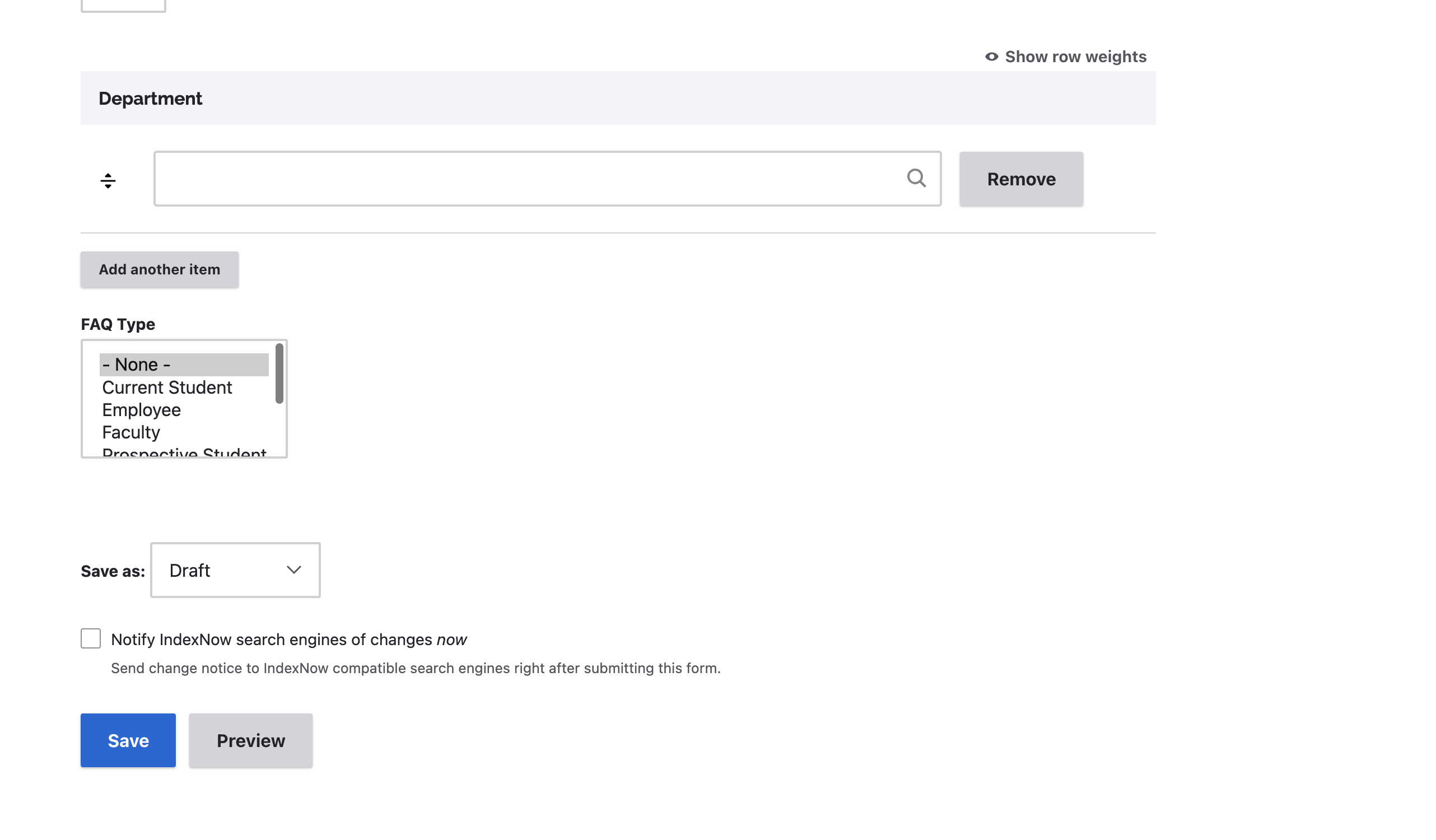
You can save as a draft and once you are ready for the content to be published, submit for Needs Review.
FAQ Types
By adding an FAQ type, we can curate lists for specific audiences and allow users to filter FAQs by these types on the main FAQ page.
FAQ Block
Add an FAQ block to your unit site to list all our your FAQs. Find more information on How to Add Custom Blocks.