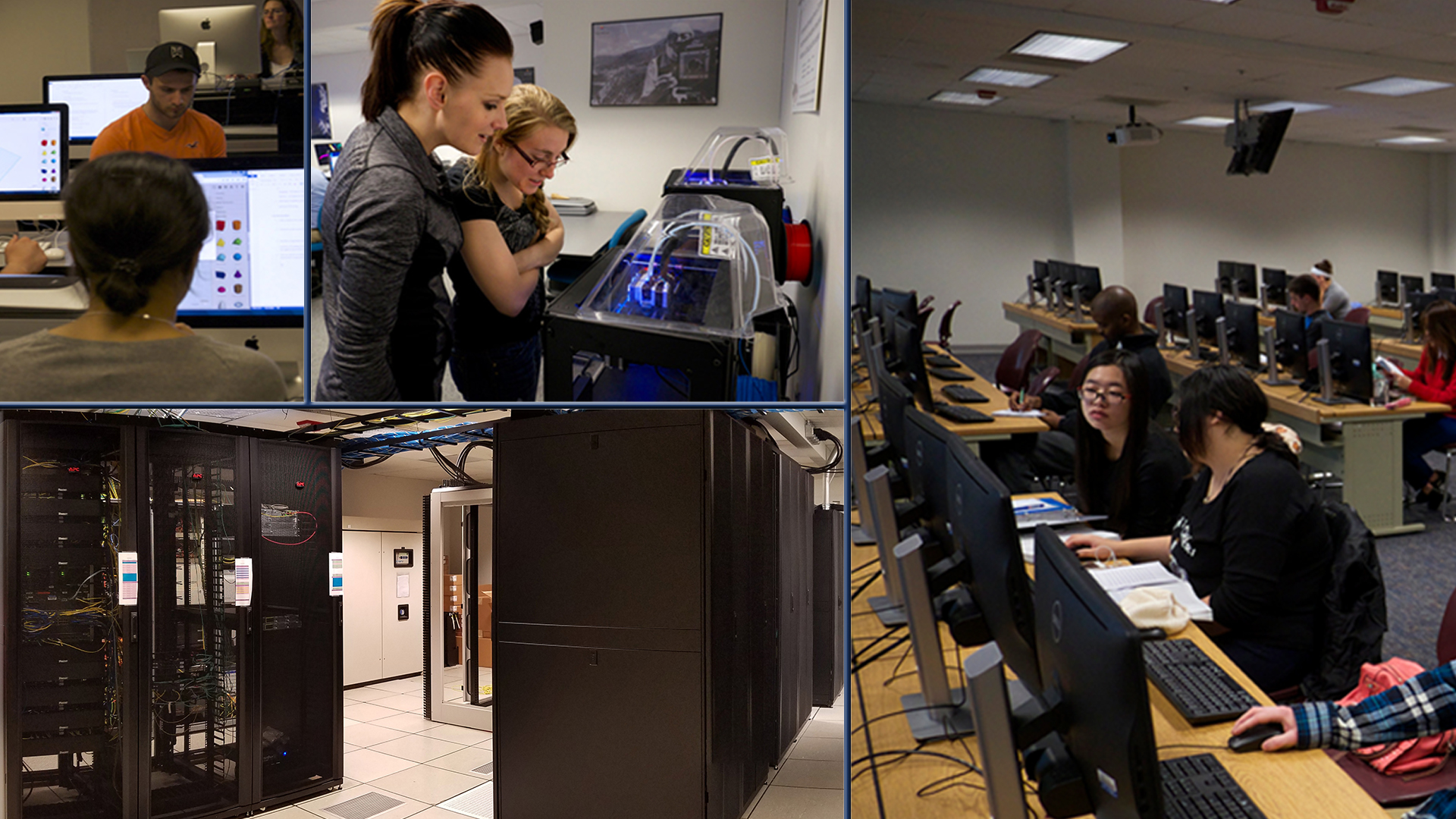
Information Technology Services (ITS) advances the mission of UIS by ensuring reliable core systems and network infrastructure, excellent technology support, and promoting and assisting technology integration into the curriculum and business processes.
Learning & Teaching with Technology
In an effort to encourage successful integration of technology into the university experience, the Instructional Support and Training team provides training, support, and production services.
ITS Services
The role is to fulfill the mission of the University by ensuring campus-managed network and communications systems and services are operated securely and efficiently. Find more resources on ITS Services at UIS
System Status
IT Security
“Among the most serious economic and national security challenges we face are cyber threats. America’s economic prosperity and competitiveness in the 21st Century depends on effective cybersecurity.” Learn more about IT Security at UIS
Technology Support

ITS Client Services
Help Desk Located in
BRK 180 | Media Lab
Lower Level Brookens

Call
(217) 206-6000


Chat with ITS by clicking the chat bubble at the bottom right of the page.
Contact
☎ 217.206.TECH / 217.206.6000
Check the status of a request, reopen a request, or add a comment to an existing request.
ITS Support
ITS Client Services is the primary point of contact for technology questions, problems and issues. This service is available to all UIS faculty, staff, and enrolled students.
- FAQ
- Help Desk Services
- Storing Files at UIS
Find more information about ITS Support
Location and Hours
Client Services' Help Desk, BRK 180
Located in the Lower Level Lounge of Brookens Library
Help Desk Hours
Regular Fall Hours
Begins Sunday, August 23rd
- Monday - Thursday:
9am - 9pm - Friday:
9am - 5pm- phone/email/chat support beginning at 8am
- Saturday: Closed
- Sunday: 1pm - 9pm
[Note: In person support prior to 9am Monday through Friday will be appointment only.]